Download the commercial cleaning work order PDF
Print one sheet per visit. Fill it in before dispatch, then have the crew record what they completed and what needs office follow-up.
Download work order PDFFree · No signup required · One page
How to fill out a cleaning work order
- Identify the visit. Write the work order number, site and service area, visit date, arrival window, assigned crew, and office contact.
- List the agreed tasks. Name each area and the action to complete. Use the approved scope as the reference, and share access codes through a secure channel.
- Specify proof and exceptions. Say which photos or notes the office needs. If an area is locked, or a customer asks for extra work, record it and send it to the office for a decision.
- Sign off the visit. Record the finish time, crew lead, and any items still open so the office knows what needs follow-up.
Filled-in example: a recurring office visit
This fictional work order shows how a crew can finish the agreed tasks and flag an access issue for follow-up.
- Work order and site
- WO-1042 · Alder Office, second floor
- Arrival and crew
- Thursday, 6–6:30 p.m. · Evening crew · Office contact: Riley
- Agreed tasks
- Vacuum reception, clean and restock both washrooms, and empty breakroom bins.
- Proof required
- One photo of each restocked washroom supply station, with people and personal items out of frame.
- Exception and next step
- Breakroom locked at 7:15 p.m. Bins still open. Office to confirm access and arrange the follow-up.
- Crew sign-off
- Maya · 7:25 p.m. · Reception and washrooms completed; breakroom pending.
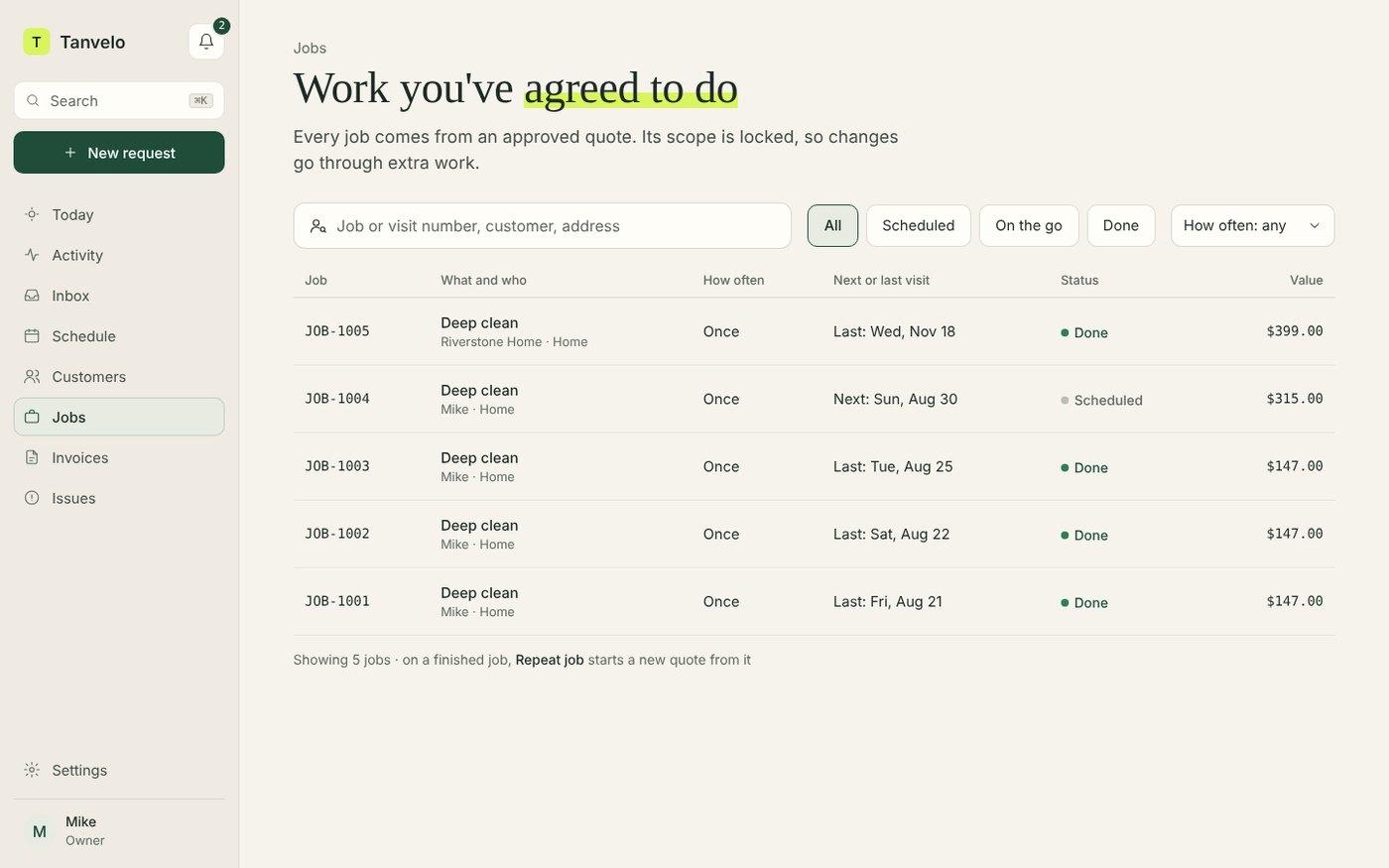
Manage recurring work orders in Tanvelo
Keep the agreed tasks, crew assignment, and completion proof together for each scheduled visit. See how commercial cleaning work order software connects the handoff and the office review.
Start free trialWork order vs. scope of work
The scope of work sets out what the customer agreed to across the contract. A work order turns the relevant part of that scope into instructions for a specific visit, with space for completion and follow-up. Use the commercial cleaning scope of work template to define the agreed tasks and service standards.
If the customer asks for extra work, use the commercial cleaning change order template to record the price, timing, and decision before updating the crew instructions.
After the visit, use the commercial cleaning service report template to send the customer a summary of completed work and follow-up.