Download the commercial cleaning change order PDF
Use this extra cleaning work authorization sheet when a customer asks to add a task, extend a visit, or change the agreed cleaning frequency.
Download change order PDFFree · No signup required · One page
How to document extra cleaning work
- Reference the agreed work. Record the customer, site, and work order or contract number. Write what the current scope covers.
- Describe the change. List the task, area, and whether it is a one-time change or a recurring one.
- Confirm the price and timing. Show the currency, total price change, and any new date, arrival window, or effect on the existing schedule.
- Record the customer’s decision. Follow the approval process in your agreement. Save the approver’s name, date, and signature or written approval reference before assigning the added work.
Filled-in example: extra glass cleaning after an event
In this fictional example, a customer asks for additional interior glass cleaning after an office event.
- Site and original scope
- Juniper Office · Work order WO-1042. The regular visit covers floors, waste, and washrooms.
- Requested change
- CO-006 · Clean the interior faces of the lobby glass doors after the event. One visit only.
- Price and timing
- CAD 95 total for the extra work. Add a 7–7:30 p.m. window to the June 6 visit.
- Approval and handoff
- The customer’s site manager approved CO-006 by email on June 3. The office saved the email and added the task to the June 6 crew instructions.
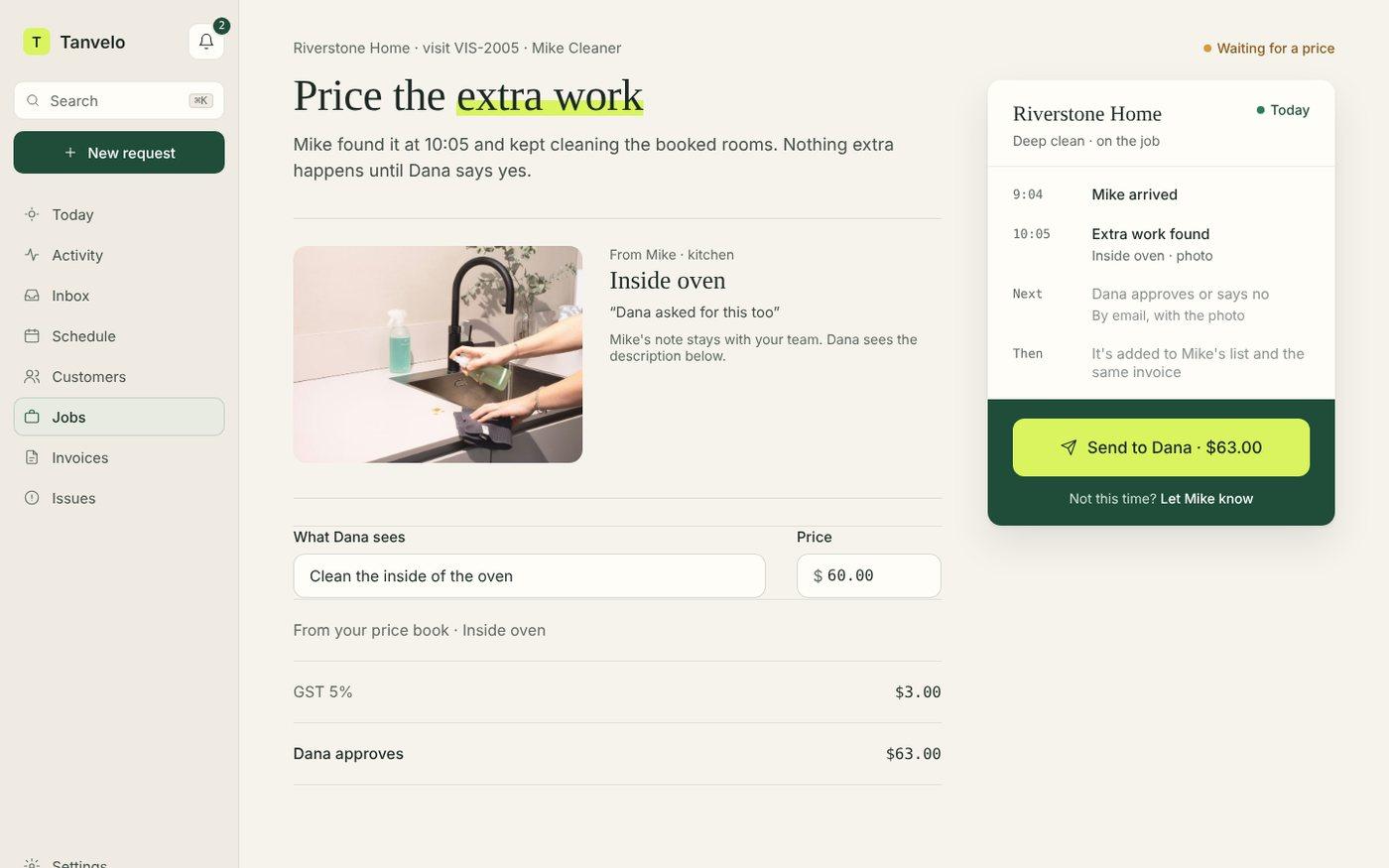
Track extra-work approvals in Tanvelo
Keep the original scope, proposed changes, and customer decisions together in Tanvelo’s work order software.
Once the extra work is complete, record it on its own line with the commercial cleaning invoice template.
Start free trial