Preserve the agreement
Keep the accepted scope visible instead of replacing it when the job is scheduled or changed.
Commercial cleaning work order software
Tanvelo carries customer-approved commercial cleaning work into jobs and visits with facility context, assigned checklists, field proof, completion review, and a separate trail for later changes.
30 days free · no credit card required
Keep the accepted scope visible instead of replacing it when the job is scheduled or changed.
Connect the work order to the correct facility, assigned cleaner, required steps, and evidence expectations.
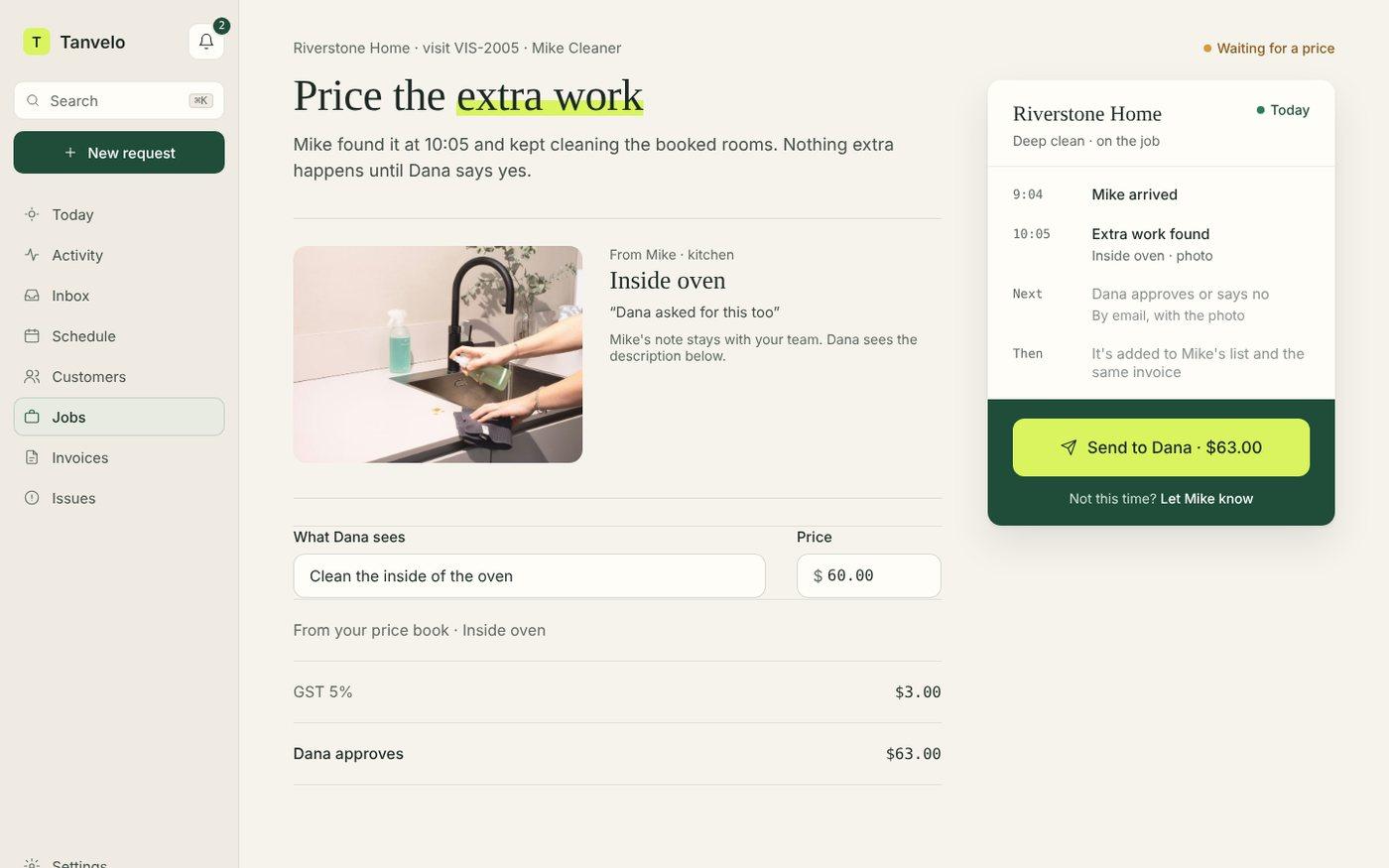
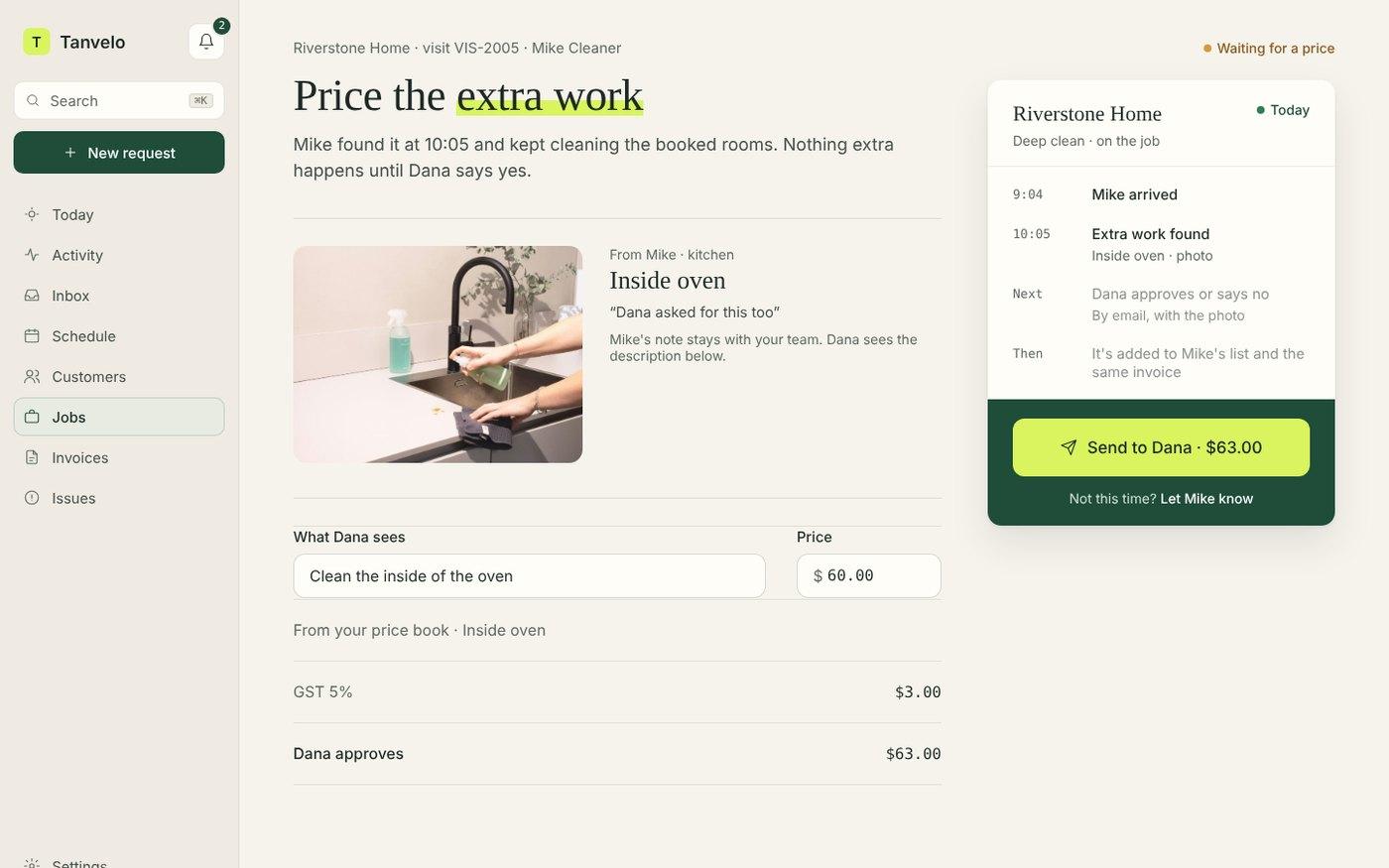
Record unexpected conditions and route additional work through office pricing and customer approval without rewriting the original scope.
A practical example
This fictional example starts with a scope recorded during a commercial cleaning walkthrough, priced with the bid calculator, and checked using the commercial bidding guide. Names, amounts, and job details are illustrative.
Fictional Northfield Office Centre accepts reception, offices, two washrooms, a breakroom, and waste service for CAD $160 per visit. Quarterly floor refinishing is explicitly excluded.
The office schedules Tuesday, Thursday, and Saturday evening visits. Each visit carries the agreed checklist, service-property context, assigned cleaner, and proof requirements.
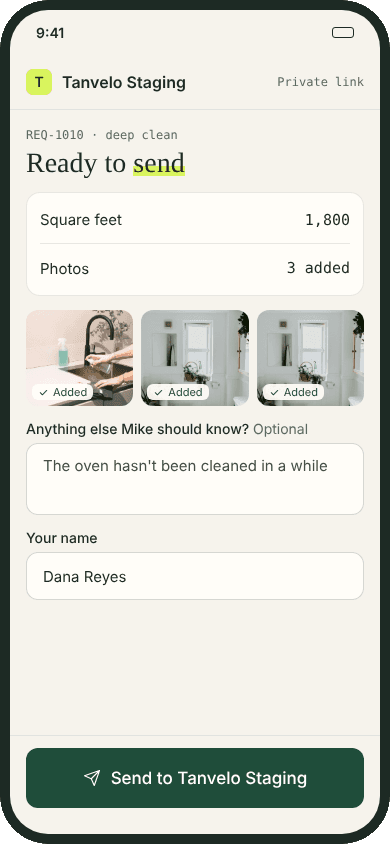
The cleaner completes the required checks, adds a visit note, and attaches the requested washroom and entry-area photos. The office reviews the submission before billing readiness.
After a customer event, a one-time interior-glass cleanup is requested. The office prices it separately and adds it only after the customer approves the extra work; the original recurring scope remains unchanged.
Preparing the customer-facing document first? Use the free commercial cleaning proposal template.
Dispatching one visit on paper? Download the free commercial cleaning work order template.
Commercial work control
Commercial visits often uncover new conditions. Tanvelo keeps later requests and approvals connected while preserving what the customer first accepted.
Move an approved estimate into the job and first scheduled visit with the customer and facility context attached.
Give field staff the required checklist and proof expectations for the active commercial visit.
Capture extra work, let the office review and price it, and retain the customer's decision beside the original work order.
Inside Tanvelo
Tanvelo keeps each decision connected to the job while protecting the difference between agreed work, field completion, and later changes.
Retain the accepted work that created the job so later updates do not quietly change the original commitment.
Price the visit with the free bid calculatorKeep the service property, access details, schedule, assigned cleaner, and operational requirements together.
Attach field checks, notes, and evidence to the visit and route the submission through office review. Use the commercial cleaning inspection checklist to record what was inspected and what needs follow-up.
Keep proposed additions, office pricing, secure customer approval, and the resulting visit scope version traceable.
Built for cleaning work
Use Tanvelo where a work order must show what was agreed, what the cleaner completed, what changed, and who approved the next step.

Explore the workflow
See how Tanvelo keeps the details and decisions connected across specific office and field workflows.
Questions and answers
Clear answers about where Tanvelo fits and how to start.
Yes. An accepted estimate can create the job and first visit while keeping the earlier property profile and approval record connected.
The field team can request extra work, the office can review and price it, and the customer can approve it through a separate change-order trail.
No. Tanvelo preserves the original scope and records the approved addition as a separate, traceable change.
Start without a sales call
Create your workspace, add a customer, schedule the work, and see how the full trail stays connected.