For home, office and janitorial cleaning, solo or with a crew
From the customer’s first message to a paid invoice
Take the request, quote it, schedule it, send your cleaners with the right details, collect proof and get paid. Run it alone or with a crew.
- 30 days free
- No card needed
- Never turns into a paid plan on its own

Daybreak Studio
Recurring cleaning · Lobby, 2 washrooms, entrance
Paid
- Mon 7:42
Request from an email
“every monday before staff get in at 8”
- 9:15
Quote sent
$168.00 / visit
- 11:02
Approved by the customer
- 11:05
Scheduled
Every Monday, 6:30 AM · Jordan
- Mon 7:48
Cleaned and checked
5 of 5 items · 3 photos
Invoice paid through Stripe
$168.00
From first message to paid invoice, nothing gets retyped
Customers
Manually record details from calls, emails or texts in a request, tied to the right customer and property.
Quote
Send a quote. Once the customer accepts, that’s the agreed work, locked and dated.
Schedule
Weekly, monthly and one-time cleans on one calendar, with email reminders to customers
Checklists
Each cleaner ticks off the list and adds photos on their phone
Get paid
Invoice through your own Stripe, or record cash and e-transfers. Export to your bookkeeper.
No paperwork.No digging throughold texts.
8:00 – 10:00 AM · Today
Riverstone Home
Example address · side door
Keypad 4••• · dog is friendly, keep gate shut
- Kitchen
- Bathrooms
- Floors
Add visit photos
Your cleaners always know the next step
Each cleaner sees the job, the checklist and the access notes in their phone’s browser. No app to install.
The right details, only for them
Door codes show to the assigned cleaner, not the whole team
The booked checklist
The crew sees the work agreed for this visit, alongside access notes.
Photos stay with the visit
Office reviews visit evidence alongside checklist progress
Keeps working with no signal
Enable protected offline access on the device while online. Check-in, submission and uploads require a connection.
Try it on tomorrow’s jobs
30 days free · no card · no sales call
Where Tanvelo is different
Three things that protect your money and your customers’ trust.
- 01
Extra work is approved before you do it
The customer approves before you start, and their original quote stays exactly as agreed.
- 02
Nothing is billed until it’s checked
Look over each visit’s checklist and photos before you send the invoice.
- 03
Door codes stay with the cleaner on the job
Door codes show to the assigned cleaner, not the whole team.
Found extra work? Get paid for it.
Usually it’s done for free, argued over later, or the original quote gets overwritten. In Tanvelo the customer approves before you start, and their original quote stays exactly as agreed.
- 8:06
Cleaner photos the damaged floor
and keeps cleaning. The booked job isn’t touched.
- 8:11
You price it at $680 and send it
The customer gets one link, with the photos
- 8:24
Customer taps approve
A new version is added. Nothing is overwritten.
$680 approved, ready to bill
Same invoice
Check the work before you bill
Office reviews visit photos and checklist progress before preparing an invoice. Completion photos are for staff review, not automatically shared with customers.


Riverstone Home
- 5 of 5 items done
- 3 photos attached
- Extra work approved
Ready for Office review
Get paid for the work you did
Every invoice comes from the agreed quote and a checked visit, with any approved extra work on the same invoice. Customers pay by card through your own Stripe, or you record cash and e-transfers against the job.
Billed from the checked visit
The office reviews checklist progress and visit photos before approving the visit and preparing the invoice.
Extra work on the same invoice
Approved extra work goes on the same invoice. The original quote stays exactly as agreed.
Card, cash or e-transfer
Card payments go through your own Stripe account. Record cash and e-transfers by hand against the job.
Balances stay with the job
See what's owed on each job, and export payment records as CSV whenever your accountant asks.
Card numbers never sit with us. Payments run through your own Stripe account.
Invoice 1043
Riverstone Home
Home clean
From the agreed quote
$140.00
Floor repair
Extra work · approved by the customer 8:24
$680.00
Total
$820.00Maple House
e-Transfer · recorded by hand
$220.00
Your customers trust you with their keys
When a customer asks who can see their door code, you’ll have a straight answer.

Role-based access, protected files and encrypted connections help safeguard customer details
Everyone sees only their part
Owners, office, cleaners and bookkeepers each get what they need, and nothing else
A record of every decision
See who approved what, and when
Card numbers never sit with us
Payments run through your own Stripe account
See how a cleaning job moves from estimate to office review
Two fictional jobs, shown in Tanvelo. Open either example to follow the work from estimate to Office review.
Commercial · recurring
Northstar Office
Plan a Monday clean for shared office areas
Commercial · recurring
Northstar Office
Plan a Monday clean for shared office areas
Review the estimate
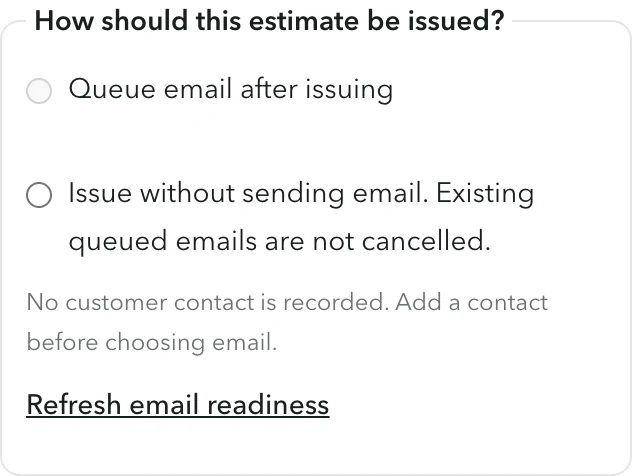
Check the common-area scope before issuing the estimate. Choose whether to queue an email, when an eligible contact is available, or issue without email. Issuing is not customer approval.
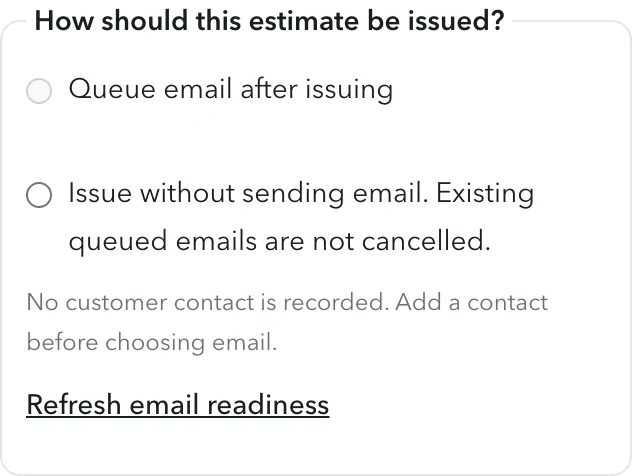
Tanvelo app screenshot · Fictional dataThe estimate has not been issued or sent.View full-size screenshot Plan a repeating visit
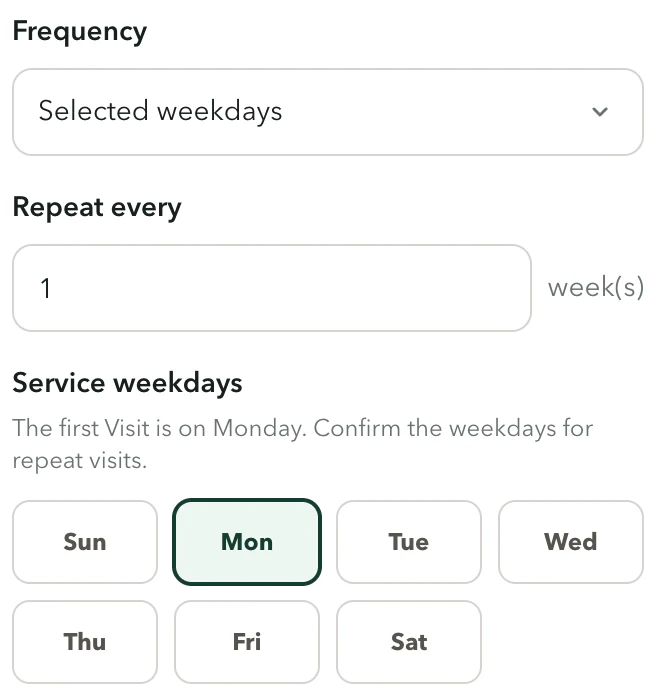
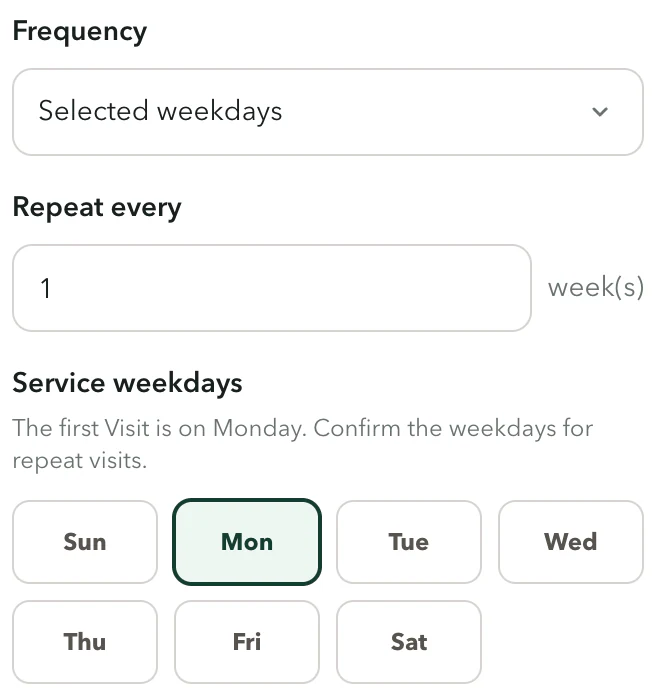
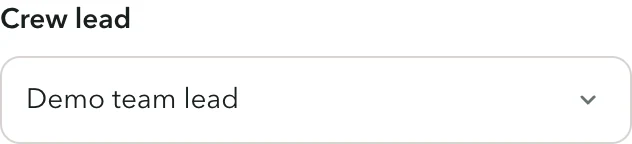
After the estimate is approved, choose Selected weekdays, set the first Visit date and choose an eligible Crew lead. A named crew is optional.
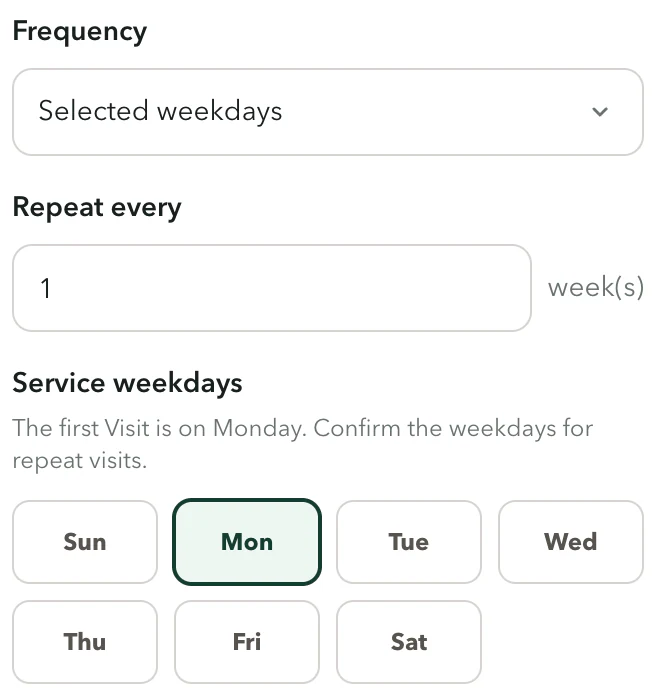
Tanvelo app screenshot · Fictional dataAn unsaved service plan for a weekly Monday visit.View full-size screenshot 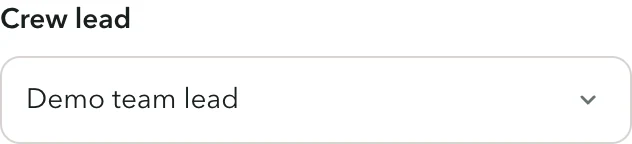
Tanvelo app screenshot · Fictional dataCrew lead is set before scheduling. No visit was created.View full-size screenshot Send completed work to Office for review
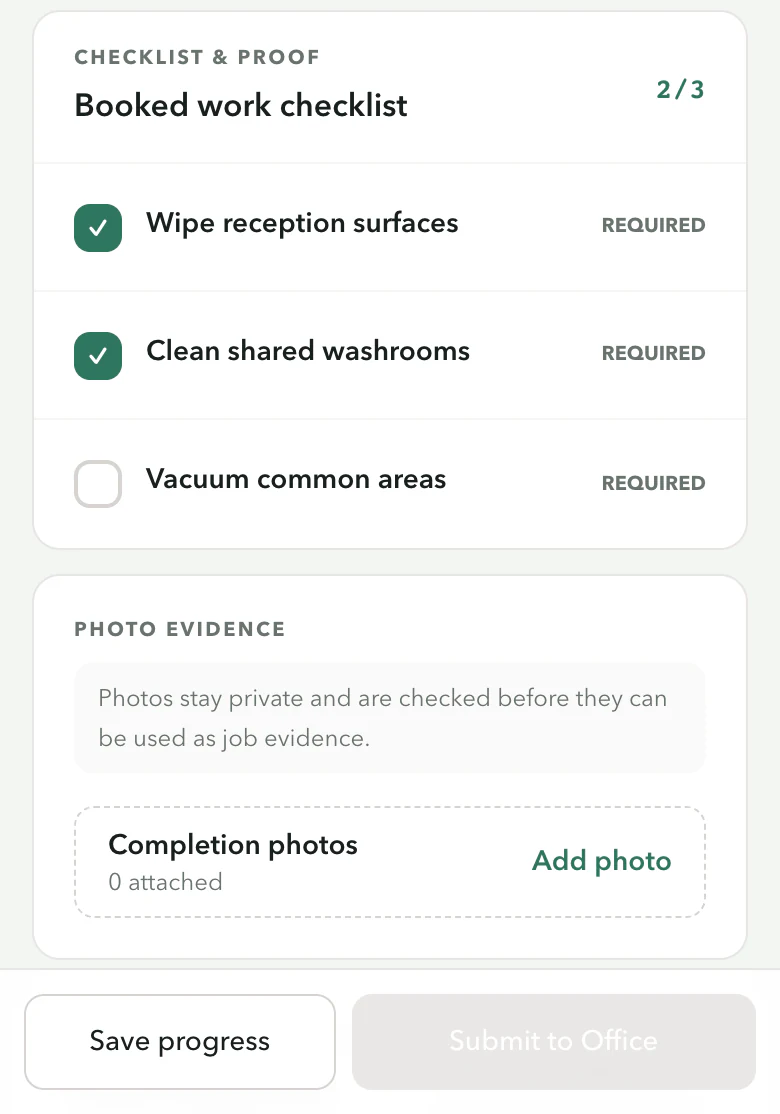
The crew works through the booked checklist and keeps photos with the visit. Save progress and Submit to Office are separate actions. Office reviews the submitted work before approving it or returning it to the crew.
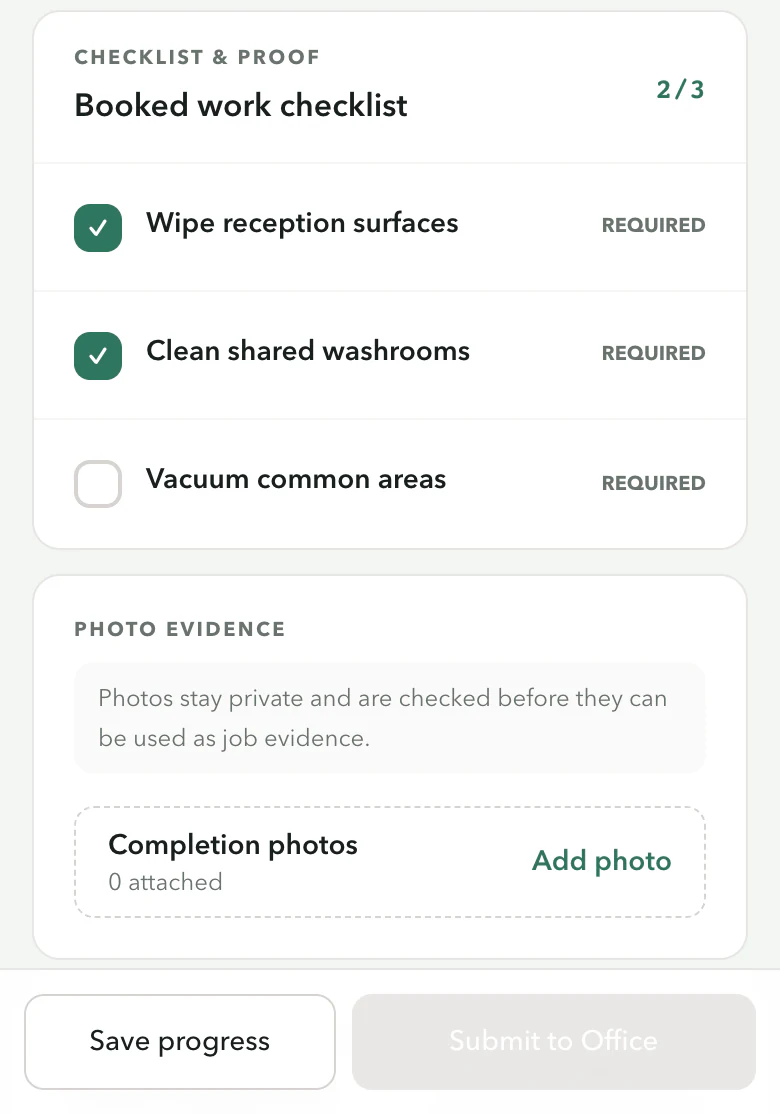
Tanvelo app screenshot · Fictional dataA Visit in progress, not a submission or approval.View full-size screenshot 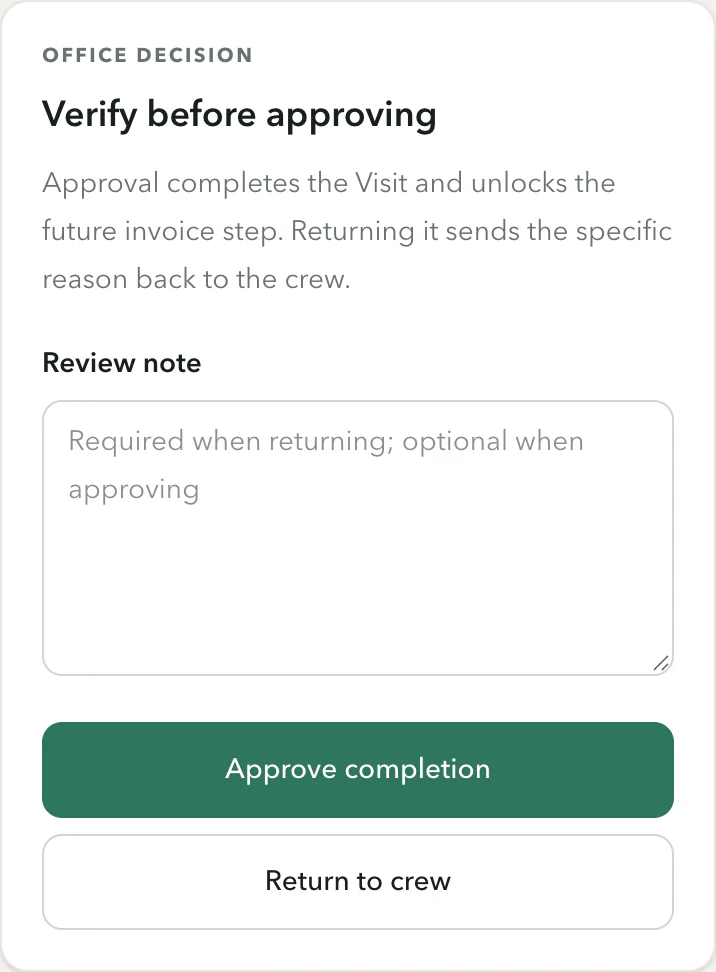
Tanvelo app screenshot · Fictional dataA separate example of a submitted Visit awaiting an Office decision. Visit proof is for staff review.View full-size screenshot
Residential · one-time
Maple House
Scope a single home clean, then show the crew what’s booked
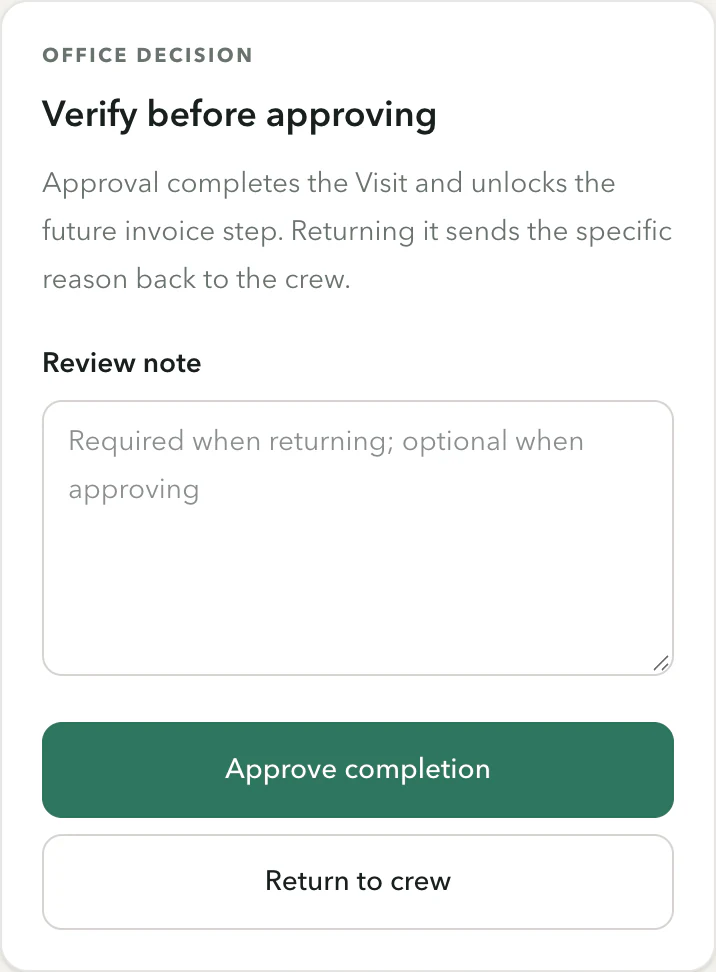
Residential · one-time
Maple House
Scope a single home clean, then show the crew what’s booked
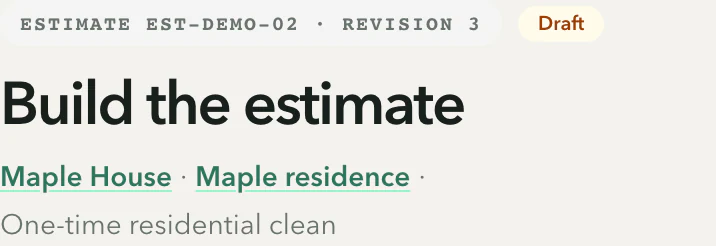
Keep the estimate in draft
Write out the room scope before issuing the estimate. A draft is not an approved estimate and does not create a Job.
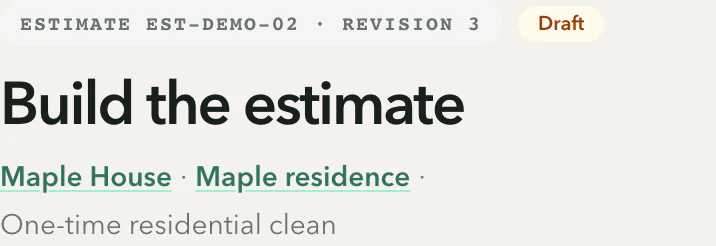
Tanvelo app screenshot · Fictional dataThe estimate is still in draft while the scope is reviewed.View full-size screenshot Plan one visit
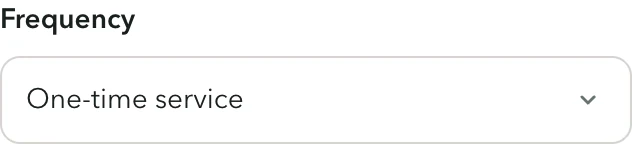
Once the customer approves the estimate, choose One-time service and a visit date. If you’re eligible, you can select yourself as Crew lead.
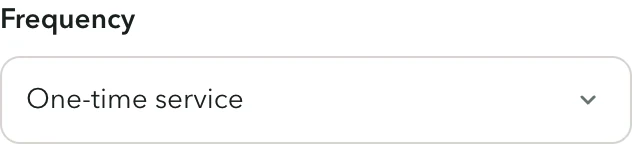
Tanvelo app screenshot · Fictional dataOne-time service is selected. Nothing was scheduled.View full-size screenshot Tanvelo app screenshot · Fictional dataAn eligible lead is selected before saving.View full-size screenshot Use the phone checklist
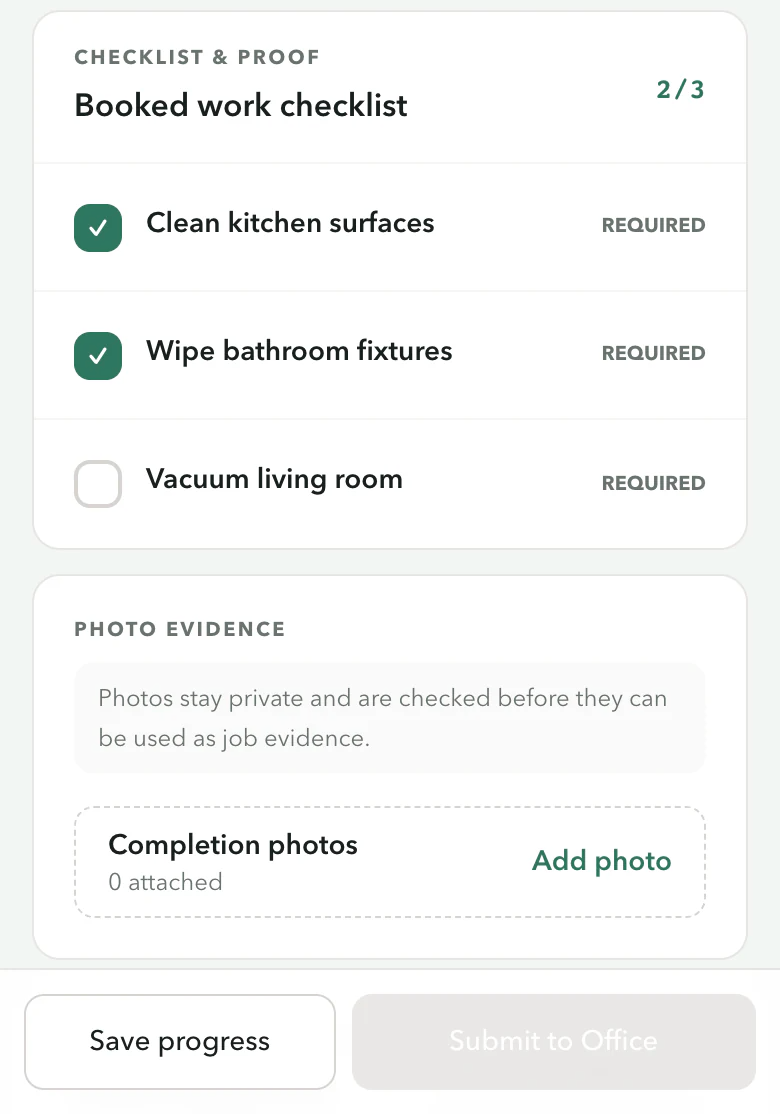
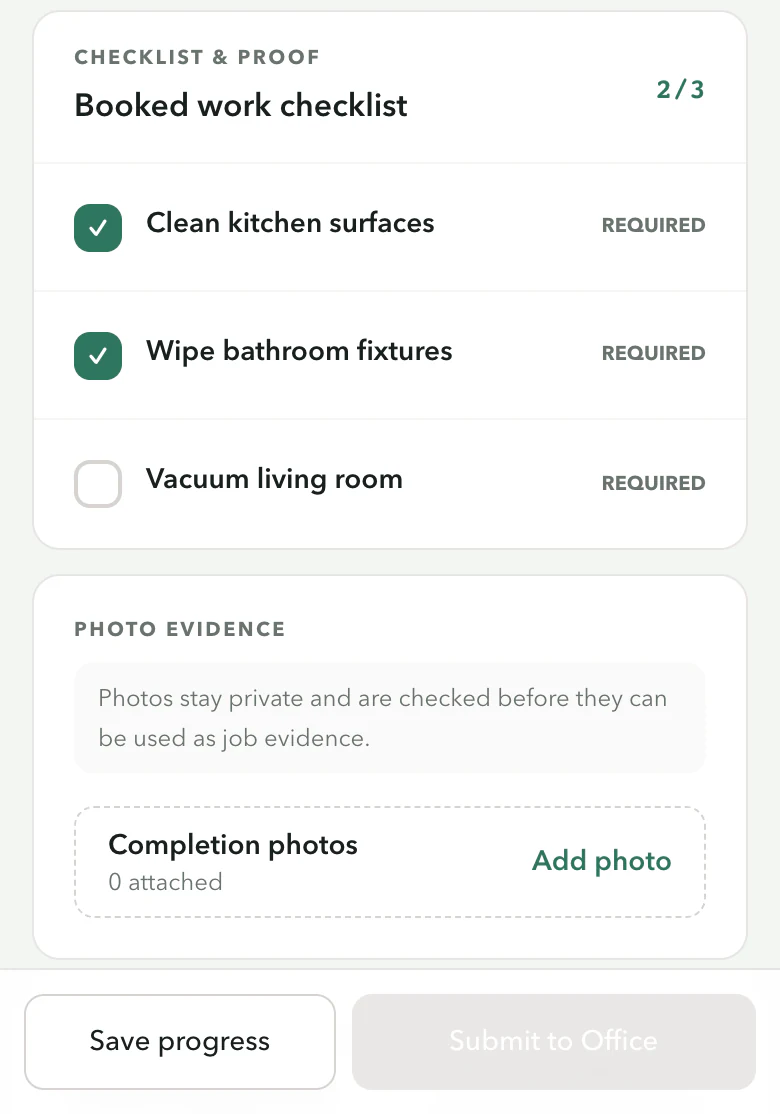
Check off the booked work and keep photos with the Visit. Submit completed work to Office for review when ready. Submitting does not approve the work or share photos with the customer.
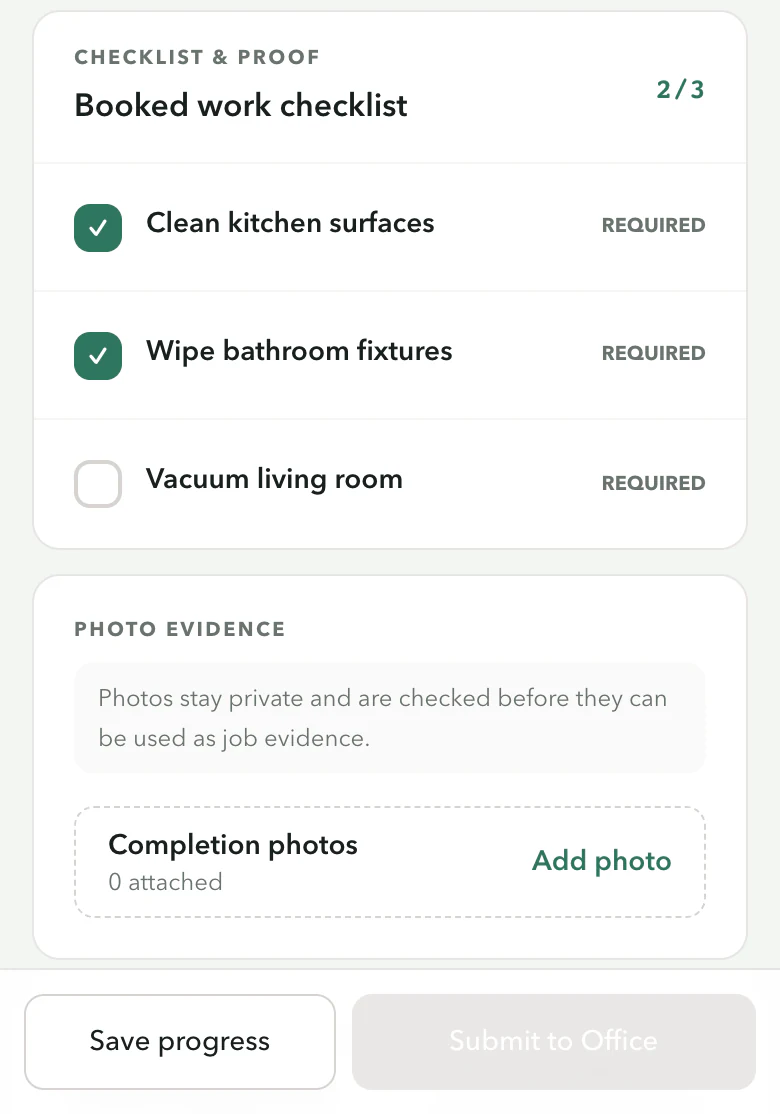
Tanvelo app screenshot · Fictional dataA Visit in progress. No work or photos were submitted.View full-size screenshot
Turn a customer’s message into a job request
When Smart Request Intake is available in your workspace, paste in a customer’s note and ask it to suggest the service, timing, areas, access and pets. It shows the words each came from. If it is unavailable, record the request manually.
Tanvelo suggests. You decide. Nothing is quoted, booked or sent to the customer on its own.
“Hi, can you clean our lobby + 2 washrooms every monday before staff get in at 8? The entrance gets salty in winter. Not sure of the sq ft.”
Used for a suggestionNeeded before pricing
Service · from “every monday”
Recurring cleaning
Timing · from “before staff get in at 8”
Mondays, before 8 AM
Areas · from “lobby + 2 washrooms”
Lobby, 2 washrooms, entrance
Ask before pricing: What’s the square footage, and who opens the building before 8?
- Service · from “every monday”Recurring cleaningAccepted in this example
- Timing · from “before staff get in at 8”Mondays, before 8 AMAccepted in this example
- Areas · from “lobby + 2 washrooms”Lobby · 2 washrooms · entranceAccepted in this example
Daybreak Studio · Recurring cleaning · 800 sq ft (measured and entered by you).
Every change is marked. You can see what came from the suggestion and what you edited.
You have enough information to prepare a fixed quote.
- Fixed quoteSuggested · Size and areas are confirmed.
- Price rangeUse when still waiting on details.
- Site visit firstSee it before you price it.
Nothing changes automatically. Nothing has been sent to the customer yet.
The practical stuff, handled.
- Invoices and payments
- Get paid through your own Stripe account, or record cash and e-transfers. Balances stay with the job.
- Free bidding tools
- A commercial bid calculator, walkthrough checklist and proposal template, free on our site.
- Appointment reminders
- Customers can get an email before their appointment.
- Ready for your bookkeeper
- Export payment records as CSV whenever your accountant asks.
Your whole team, one price
Operations covers up to 5 team members for one flat price. Start with 30 days and no card.
30-day trial
$0
Up to 5 active users and 100 service visits.
- Use the real Tanvelo workflow
- No charge today
- No card required
- Does not automatically become a paid subscription
Operations · annual
$39.99 USD / month
$57.50 CAD / month · save up to 18% vs monthly
- Up to 5 active users and 500 service visits per billing period
- The complete connected workflow
- Billed annually at $479.88 USD or $690 CAD.
- Monthly billing also available
Prices are shown in USD and CAD. Taxes and the final currency are shown before checkout.
Questions before you start
Do I need a credit card to try it?
No. Verify your account, then complete company, contact and business-address details, country and time zone, and the required legal acknowledgments. The 30-day trial never becomes paid unless you choose a plan.
I work alone. Is this overkill?
No. Run it as one person and add cleaners later. Start with a single customer and grow into it.
Will my cleaners actually use it?
They see one job at a time on their phone, with the next thing to do. Nothing to install from an app store.
Does the smart intake send anything to customers?
No. When Smart Request Intake is available in your workspace, you ask it to suggest details from a note you enter. You review each suggestion. It does not price, quote, book or contact customers. If it is unavailable, enter the request manually.
How do customers pay me?
Card payments go through your own Stripe account. Cash and e-transfers can be recorded by hand against the job.
- 1
Create your workspace
Verify your account
- 2
Add one real customer
Start with one property
- 3
Clean, prove, bill
On site