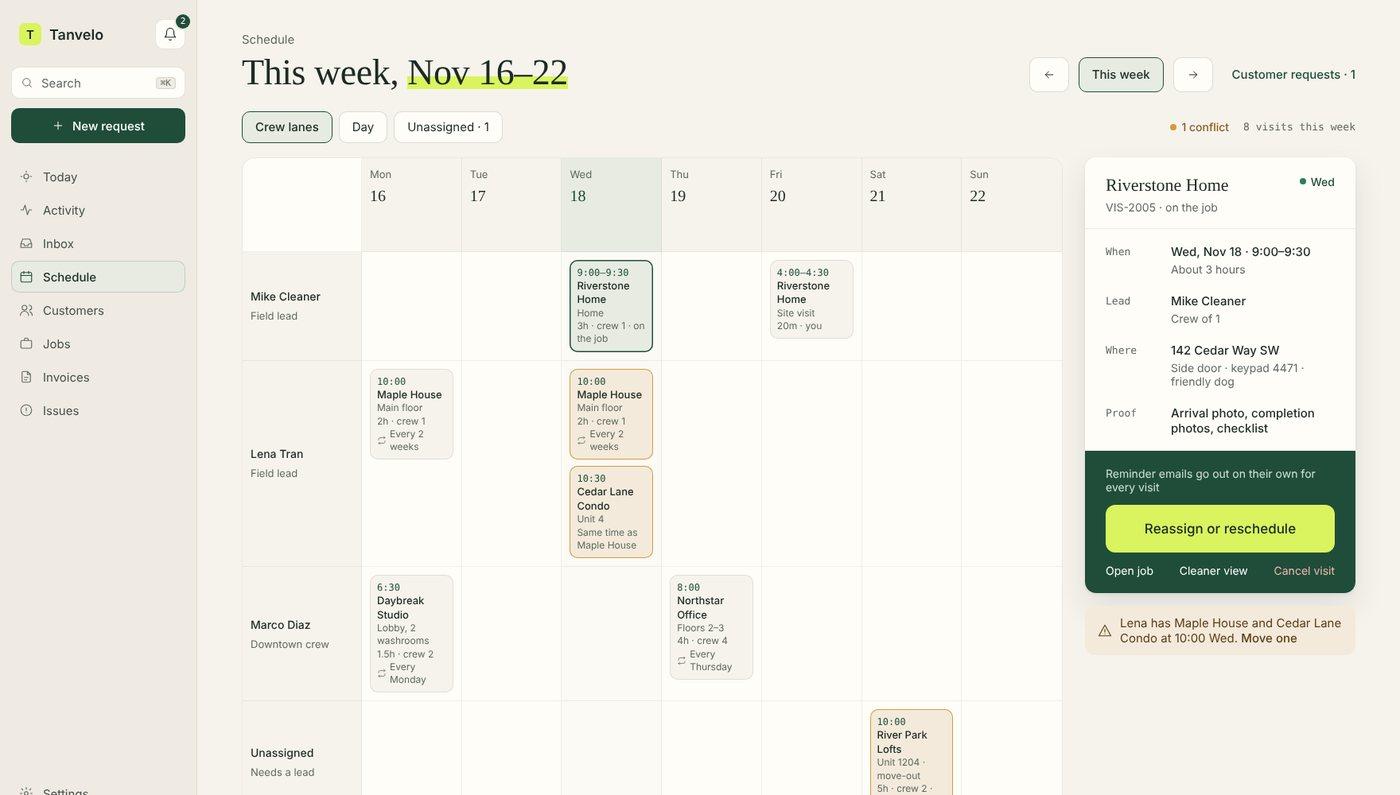
Put each visit and its backup on one sheet
Write one row per visit, repeating the day if needed. Confirm the arrival window with the assigned cleaner and check that the backup is available for the same window. If you reassign a visit, update the roster and tell the affected crew.
This schedule records who goes where and when. Use the commercial cleaning scope of work template for what to clean and how to check it. Keep keys, access codes and private customer details out of shared printouts.
Once the week is assigned, use a commercial cleaning work order template to give the crew instructions for each visit.
Blank weekly crew scheduleWeekly Cleaning Crew Schedule
Use one row per visit. Confirm who is available to cover before sharing the schedule.
On a narrow screen, scroll across the roster to see all five columns.
| Day / date | Site or visit | Arrival window | Assigned cleaner or crew | Backup |
|---|---|---|---|---|
Worked example: a fictional crew week
Week of: Monday, November 9, 2026 · Coordinator: Riley
Mon, Nov 9 · Alder Studio · weekly clean
- Arrival window
- 8–9 a.m.
- Assigned
- Maya
- Backup
- Jordan
Wed, Nov 11 · Birch Office · one-off deep clean
- Arrival window
- 6–6:30 p.m.
- Assigned
- Evening crew
- Backup
- North crew
Fri, Nov 13 · Maple Hall · weekly clean
- Arrival window
- 7–8 a.m.
- Assigned
- Jordan (reassigned)
- Backup
- Maya (confirmed)
Reassignment note: At 6:30 a.m. on Friday, the original cleaner called out. Riley confirmed Jordan could cover the same 7–8 a.m. arrival window, checked that Maya was available as the new backup, and shared the updated assignment with the crew.
See how to reassign one recurring visit in Tanvelo without changing the rest of the schedule.