Create a cleaning service report online
Summarize the visit for your customer. Use the preview to check the details, then download a PDF to share.
Download the blank service report PDF
Use one printed sheet per visit. The blank version has space to write what the crew finished and who will handle anything left open.
Download blank report PDFFree · No signup required · One page
Filled-in example: an office cleaning visit
This fictional report records a locked breakroom as pending and tells the customer who will arrange the follow-up.
- Customer and site
- Alder Office, second floor
- Visit date
- 2026-11-05
- Time on site
- 6:10–7:25 p.m.
- Prepared by
- Maya, evening crew lead
- Work completed
- Vacuumed reception and cleaned and restocked both washrooms.
- Open issues or work pending
- The breakroom was locked. Its bins still need emptying.
- Follow-up owner and next step
- Riley from the office will confirm access and schedule a return visit.
- Photo references
- Photos 01 and 02 show the restocked washroom supply stations.
What to include as cleaning proof of service
Record the site and date, describe the work completed, and list any photos or notes that help explain the result. Give each open issue an owner and a next step so the customer knows what to expect.
When the work is ready to bill, use the commercial cleaning invoice template to itemize the visits and any approved extras.
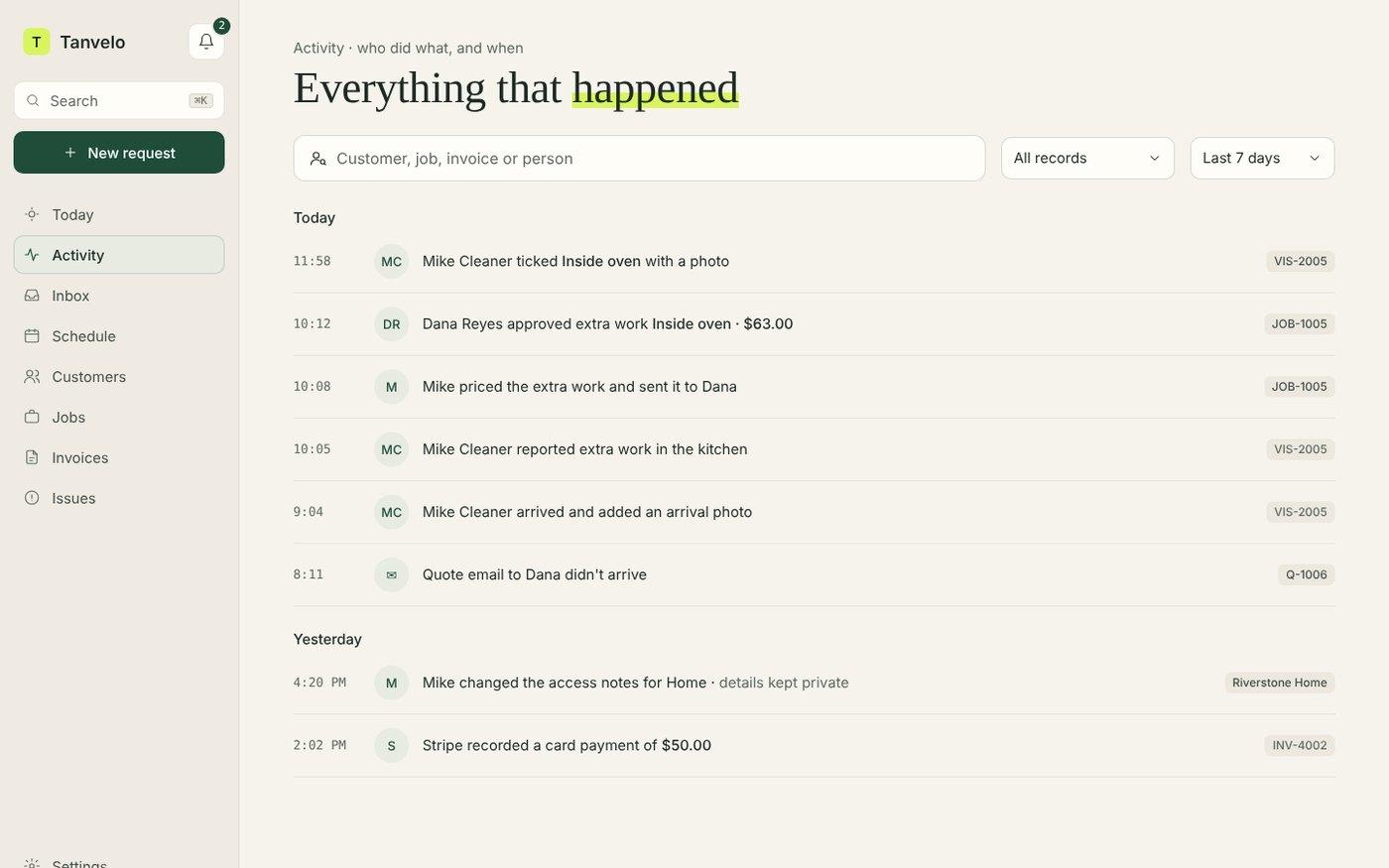
Keep visit photos and notes together in Tanvelo
Connect photos, completed checklist steps, and crew notes to the right visit, then review them in the office. See how Tanvelo handles cleaning proof of service.
Start free trial