Review the visit
Check the crew’s completion record and any exceptions before billing.
Commercial cleaning invoicing software
Review the completed visit, check the agreed price and approved extras, and issue the invoice when your office is ready.
30 days free · no credit card required
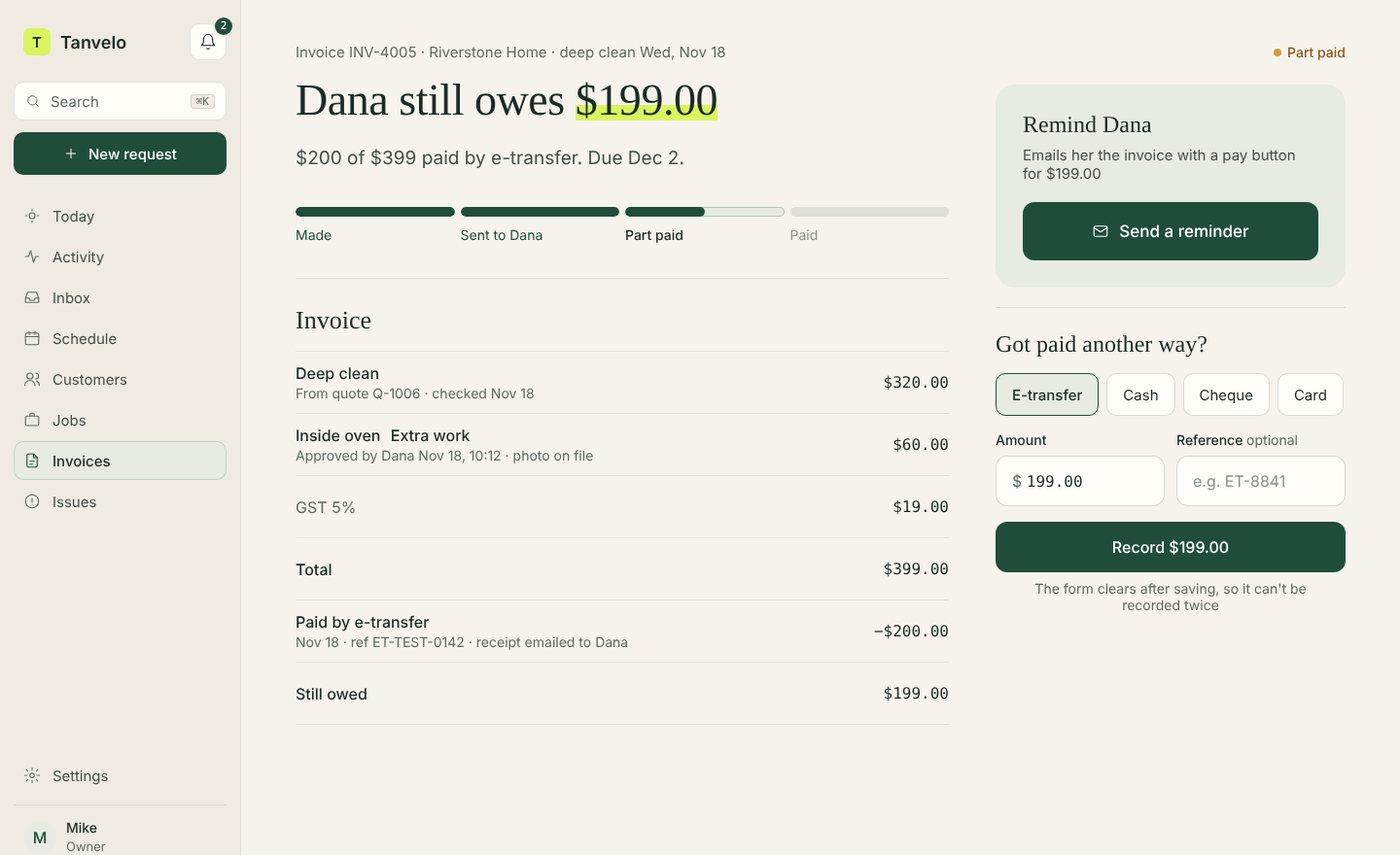
Check the crew’s completion record and any exceptions before billing.
Review charges from the agreed work and approved changes linked to the visit.
Keep drafts private while you review them, then issue an invoice for the customer.
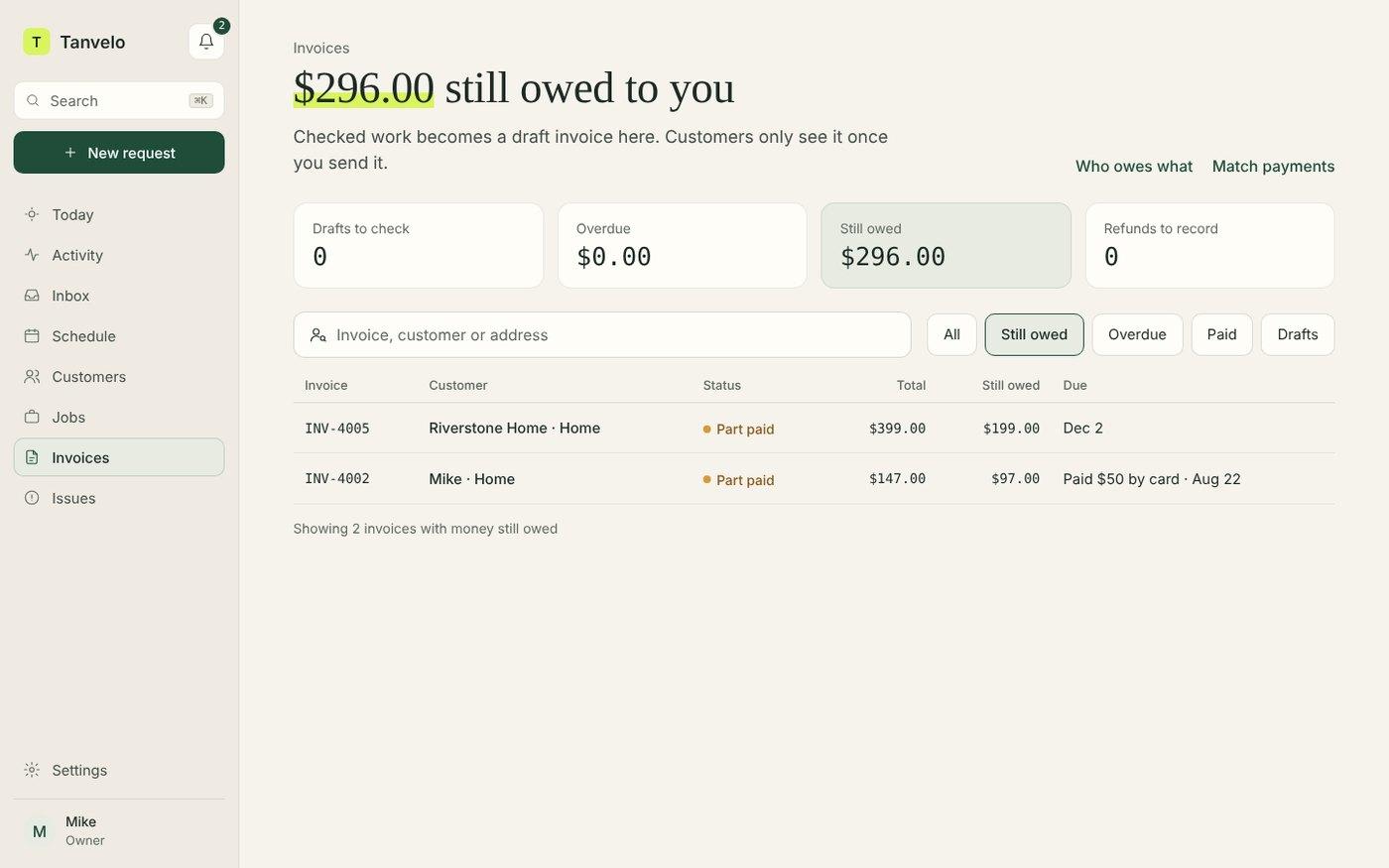
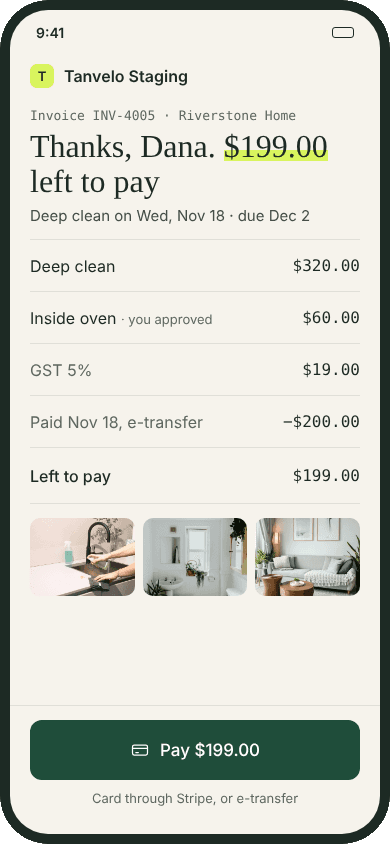
A practical example
Northline Cleaning visits Alder Office each Monday. Four visits at CAD 120 and one approved CAD 95 interior glass clean add up to CAD 575 before tax across October. Tanvelo prepares drafts for individual approved visits. The draft below shows the visit that included the extra work.
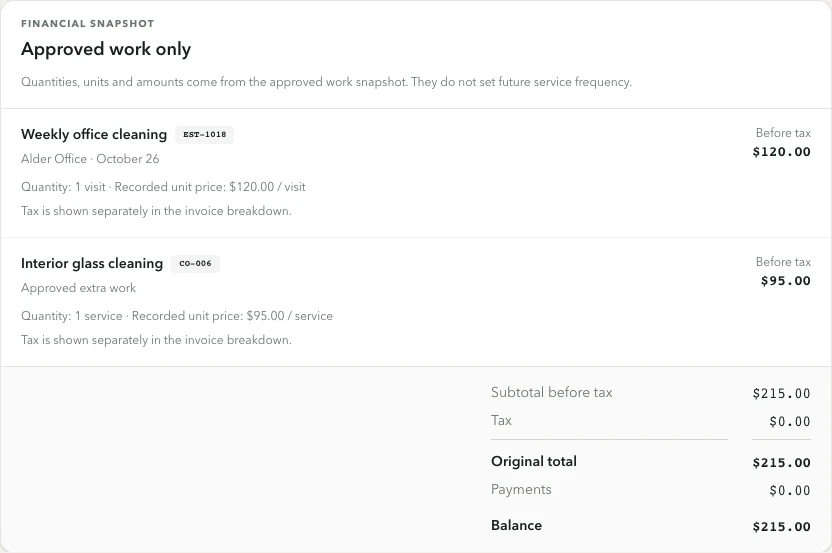
Open the screenshot to see the booked work, approved extra, and CAD 215 subtotal in the actual app.
Start a free trial to run one cleaning visit through review and invoicing.
From visit to invoice
Use the service record to answer what was done, what changed, and what the customer agreed to pay.
Review the completed checklist, notes, and photos where applicable. Approving an eligible visit prepares a private draft.
Verify the agreed cleaning charges and any customer-approved extra work linked to that visit. Set the due date and review the customer message.
When the details are ready, issue the invoice so the customer can view it. Track the balance and record payments received outside Tanvelo.
Inside Tanvelo
Keep the job, visit, and invoice connected so your office can look up the work behind the bill.
Open the visit to check the record your crew submitted before the office approved it.
See how visit proof is reviewedShow an approved extra on its own invoice line, so the customer can see how it differs from the regular clean.
Use the free invoice generator when you need a standalone PDF for one visit or a monthly statement you prepare yourself.
Create a free cleaning invoice PDFBuilt for cleaning work
Give the person preparing the invoice a record they can check without asking the crew to reconstruct the visit.

Explore the workflow
See how Tanvelo keeps the details and decisions connected across specific office and field workflows.
Questions and answers
Clear answers about where Tanvelo fits and how to start.
Office approval of an eligible completed visit creates a private invoice draft. The office reviews it and chooses when to issue it.
Customer-approved extra work linked to the visit can appear as separate lines, alongside the booked cleaning scope.
Yes. Tanvelo keeps each scheduled visit and its invoice tied to the same customer and property. Invoice drafts are prepared per approved visit. Use the free generator if you need to prepare a single month-end PDF yourself.
Start without a sales call
Create your workspace, add a customer, schedule the work, and see how the full trail stays connected.